
OnlyFans Agency SOP: The Complete Operations Checklist
Build an OnlyFans agency SOP that covers access, chat, PPV, reporting, quality control and escalation.
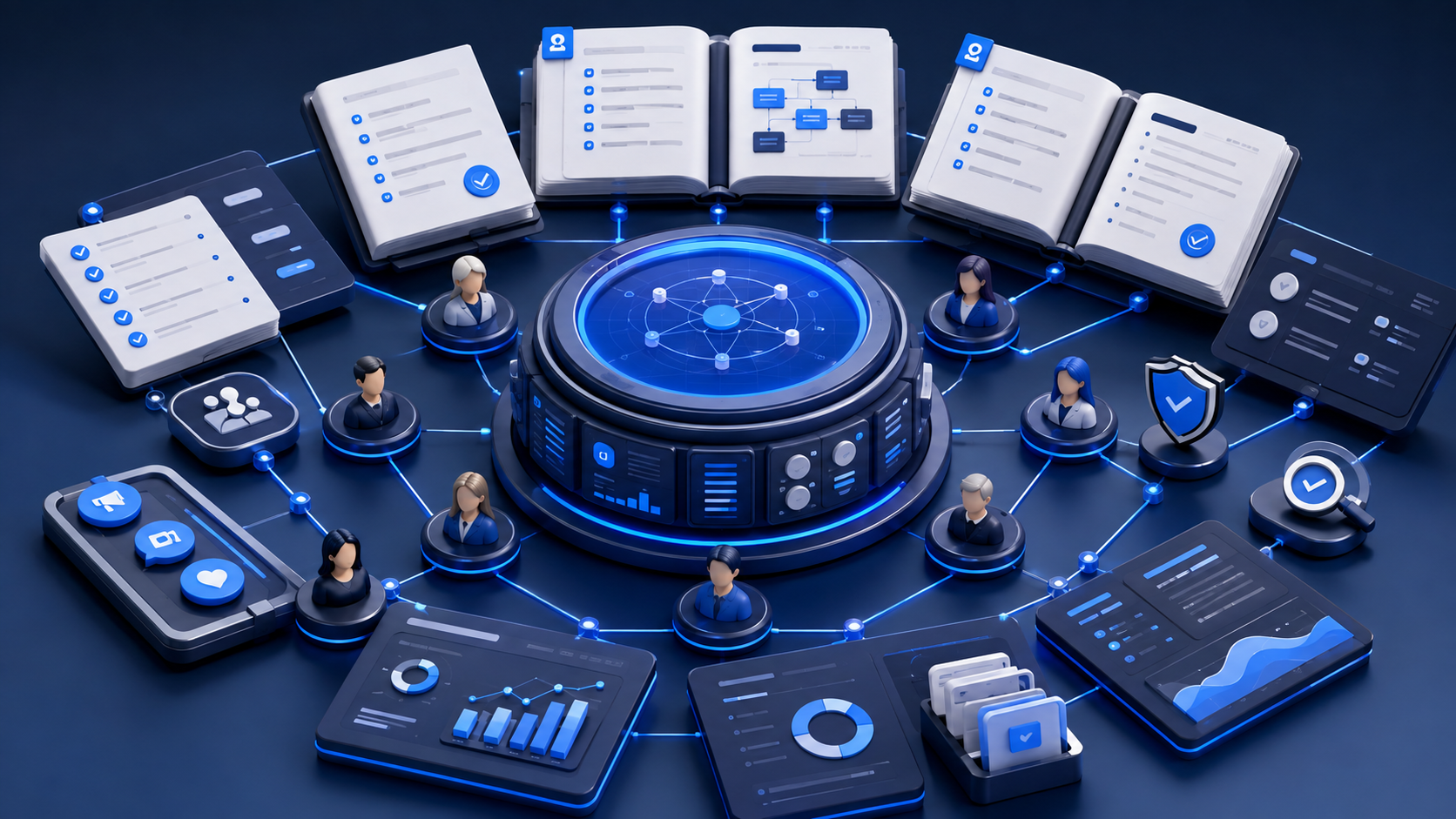
An OnlyFans agency SOP is the difference between a team that can scale and a team that only functions when the original manager is online. The SOP should explain exactly how the agency handles access, content, messaging, PPV, reporting, quality control, and escalation. If a step is not written down, it will be recreated differently by each person who touches the account.
This guide gives you a complete operations checklist for an OnlyFans agency. It is written for teams that manage one creator or many, and it is designed to make every handoff, decision, and review repeatable. If you want the short version, the SOP needs to cover who owns the account, how the inbox is handled, how offers are approved, how performance is checked, and what happens when something goes wrong.
Key Takeaways
- A useful SOP explains the decision, the owner, the trigger, and the fallback.
- Separate the SOP into modules so content, chat, PPV, reporting, and escalation can be updated independently.
- Write for the person doing the work, not for the person approving the document.
- Use managing multiple OnlyFans accounts as an agency as the operational reference if your team handles several creators at once.
- Connect the SOP to OnlyFans chatter scripts for agencies, the AI chatbot setup checklist, and the chatbot policy guide so the rules stay practical.
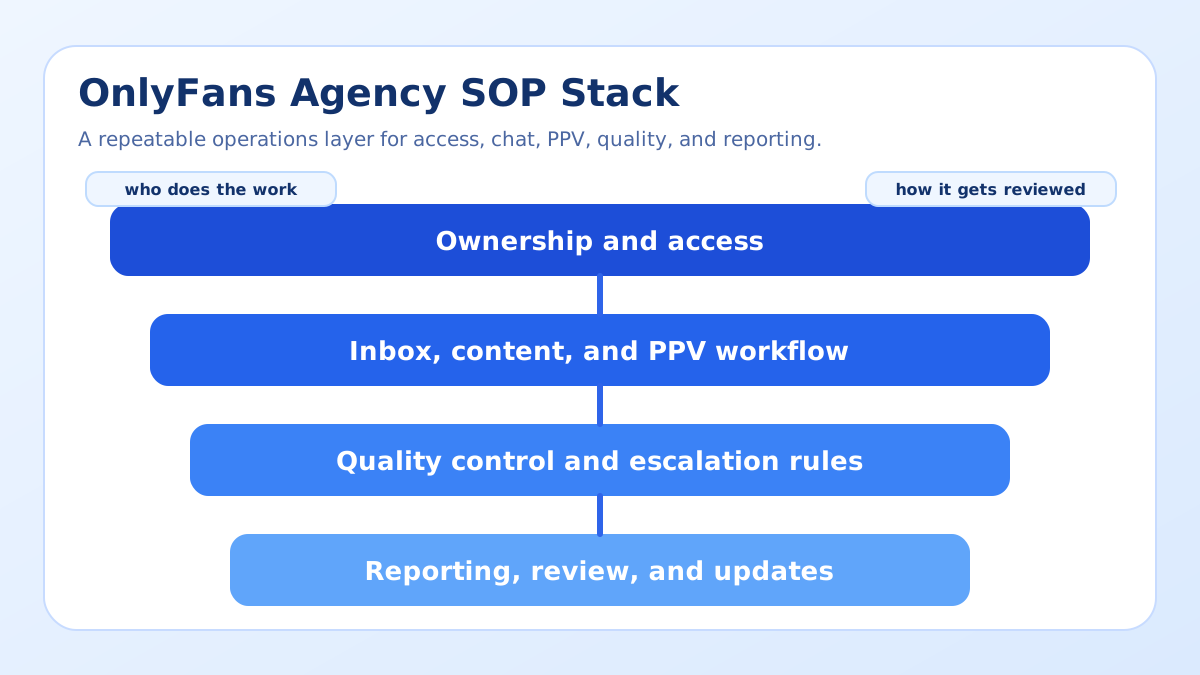
The SOP Architecture Every Agency Needs
Strong SOPs are modular. They should not be one long document that nobody reads. Break the operation into pieces so each team lead can own the part they actually control.
| SOP module | Primary owner | What the SOP must define | Failure if missing |
|---|---|---|---|
| Access and security | Agency owner | Who can log in, approve changes, and recover access. | Lost time, security gaps, or account lockouts. |
| Content operations | Content lead | Approval flow, posting cadence, and asset storage. | Missed posts or inconsistent quality. |
| Inbox and chat | Chat lead | Response rules, segment routing, and escalation thresholds. | Lost context and inconsistent replies. |
| PPV and offers | Revenue lead | When offers go out, who approves them, and what follow-up happens. | Random offers and weak conversion discipline. |
| Reporting and QA | Ops manager | Which numbers are reviewed and how issues are logged. | No reliable way to improve the process. |
The Complete Operations Checklist
The list below is the backbone of a functional SOP. Each item should exist as a written rule, a process owner, and a visible outcome. If the team cannot point to the rule during training, the rule is not real yet.
1. Define account ownership
Write down who owns the creator relationship, who handles the inbox, who approves sensitive changes, and who steps in if someone is unavailable. This is even more important when the agency handles multiple pages, because ownership tends to get blurred once the team gets busy.
2. Standardize the inbox workflow
List the response order for new fans, warm fans, inactive fans, and high-value fans. Define the tone, the escalation route, and the point where a human must review the conversation. If the workflow includes automation, keep it aligned with the AI chatbot setup checklist so the transition between automation and human handling is predictable.
3. Standardize PPV and offer handling
Every agency should know when a PPV can be sent, who approves the message, what the follow-up window is, and how failed offers are logged. That is where the team keeps money from leaking through untracked follow-up. If your agency needs a better pricing reference, keep the PPV pricing guide close to the SOP so offers stay consistent.
4. Build a quality review loop
Each week, check whether the team followed the rules, not just whether the account made money. Review missed replies, tone issues, duplicate messages, and broken handoffs. If a mistake repeats, the SOP should change. A document that never changes is usually a document that nobody uses.
5. Document escalation and exception handling
Every agency needs rules for unusual situations: a creator changes direction, a fan becomes aggressive, a high spender needs personal attention, or a teammate cannot complete a shift. Make the fallback explicit so the team does not invent a different answer every time. If your team uses retention tactics, define where those tactics begin and where they stop.
Examples of SOP Rules That Actually Help
Good rule example: if a new fan asks a high-intent question, the chatter logs the fan segment, uses the approved opener, and records the result in CRM before the shift ends. That rule is useful because it tells the chatter what to do, not just what to remember.
Good rule example: if a PPV message does not convert within the expected follow-up window, the next step is not to spam the same fan. The next step is to move the fan into a retention or nurture sequence and try a different angle later.
Bad rule example: the team should respond quickly and be professional. That sentence sounds nice but it does not tell anyone what to do during a real shift.
Bad rule example: use best judgment for every fan. Best judgment is not a process. It is what people say when the process is missing.
Checklist for a Strong SOP Document
- State the purpose of the SOP in one sentence.
- Define the scope and the account types it covers.
- Name the owner and the backup owner for each module.
- List the trigger that starts the workflow.
- Write the exact steps in the order they should happen.
- Add examples of approved messages or actions.
- Define what gets logged, where it gets logged, and who reviews it.
- Include escalation rules and exception handling.
- Set a review cadence so the SOP stays current.
- Make it easy to find during a shift, not only during training.
If you want the SOP to support hybrid handling, align it with the chatbot policy guide so the team knows when automation is allowed, when it should pause, and when a person must take over.
Bring your agency workflow into Substy
If your team is ready to replace scattered notes with one operating system, Open Substy and build the SOP around the same CRM, fan memory, and team-management layer your staff already uses.
How Substy Helps Run the SOP
Substy helps agencies keep the SOP alive after the document is written. Use analytics to check whether the team is following the process, CRM and fan memory to preserve context, PPV scripts to keep offers consistent, triggers and scheduling to automate recurring actions, and team management to clarify who owns each step. That matters because a SOP only works when the system makes the rule easy to follow in real time.
For agencies that handle more than one creator, Substy can also keep the operating layer aligned across accounts so one team does not invent a different workflow for each page. The point is not to add more software. The point is to make the same process repeatable.
How to Run the SOP Week by Week
Week 1 is about access and correctness. Week 2 is about repetition. Week 3 is about measuring exceptions. Week 4 is about updating the document. If you wait until the quarter closes, the SOP will no longer match the work. The weekly rhythm should be simple: one process owner reviews the inbox rules, one owner reviews offer handling, one owner checks whether the team logged exceptions, and one owner updates any language that caused confusion.
That cadence is especially important when you use hybrid support. A chatbot or AI-assisted drafting layer can reduce repetitive typing, but it only works when the SOP says which conversations are safe to automate, which ones need a human response, and which ones should be escalated immediately. Tie the same cadence to training so new hires learn the exact steps they will use in a live shift.
- Monday: review the previous week’s exceptions and update labels or scripts.
- Wednesday: spot-check a sample of replies, PPV sends, and follow-ups.
- Friday: confirm that reporting is complete and handoffs are clean.
- Month end: revise the SOP when the workflow changed in practice.
That rhythm turns the document into an operating habit instead of a static file.
SOP Examples by Module
Access rules should answer who can change a password, who can approve a new tool, and who needs to be notified if access breaks. Inbox rules should answer which fan segments get priority and which replies must be escalated. PPV rules should answer who approves pricing changes and what counts as a follow-up. Reporting rules should answer which metrics are reviewed first when the team sits down for a weekly audit.
Those module-level examples matter because they keep the SOP from becoming vague management language. The person working a shift needs to know what action to take next, while the manager needs to know which part of the process to audit. If one module is weak, the fix should stay inside that module instead of forcing a rewrite of the whole document.
One practical way to keep the SOP usable is to pair each module with a single review question. For access, ask whether anyone changed credentials without notice. For inbox, ask whether the right fan got the right response. For PPV, ask whether the offer was approved and logged. For reporting, ask whether the team can explain a change without relying on guesswork. That kind of review keeps the document operational instead of ceremonial.
When a module causes repeated friction, do not bury the problem under a more detailed document. Rewrite the step that confused the team, shorten the path to the right action, and re-train the smallest group that actually performs the task. That is usually faster and more durable than adding more pages.
FAQ
Turn your SOP into a working system
If you want one place to keep the SOP, the scripts, the fan context, and the reporting logic connected, Open Substy and turn the checklist into a working agency system.
Open Substy
Separate access, inbox, PPV, QA, and reporting so each workflow can be updated without rewriting the whole document.
A good SOP matches the actual workflow in CRM, scripts, and review processes, not an idealized version on paper.