Fan memory
A
Alex MorganContext for every conversation
Fan note
Planning a trip to Italy.
Available to your team & AI
THE SUBSTY CRM
Manage OnlyFans, Fanvue, MYM and Telegram accounts, fan relationships and your chatting team.
One CRM for content, PPV sales and agency performance, connected to Substy AI.
Planning a trip to Italy.
Available to your team & AI
“I'd like a custom video.”
Built around the platforms you use.
 OnlyFans
 Fanvue
 Telegram
BUILT FOR CREATOR AGENCIES
A creator agency CRM brings fan details, conversations, content and team access together. Substy helps agencies manage OnlyFans, Fanvue, MYM and Telegram creator accounts in a browser, with reporting and optional AI chatting in the same workspace. For an OnlyFans-focused workflow, explore our OnlyFans CRM for agencies.
Your team can see fan notes, preferences and history beside the chat. The context stays with the conversation, even when the chatter changes.
Manage your OnlyFans, Fanvue, MYM and Telegram operations from one workspace. Keep each creator’s conversations and settings organized as your roster grows.
Set permissions around responsibilities. Chatters and managers can work with the access you choose for them.
Use the same workspace for human chatting, Full AI or a hybrid approach. Decide where AI helps and when your team takes over.
FAN RELATIONSHIPS
Your CRM should do more than hold a list of fans. Give your chatters the information they need to understand the person behind each message.
Explore Substy CRM →Keep useful details, interests and preferences in the fan profile. Your team can check the context without piecing it together from old messages.
Pick up an existing conversation with the previous exchanges in view. Give the next chatter a starting point when shifts change.
Review available purchase and spending information alongside the relationship. Use it to understand the fan before choosing the next offer.
Organize fans into relevant groups, then focus your attention on the conversations that matter for your current campaign or workflow.
CONTENT & PPV SALES
Give your team a shared way to prepare messages, organize media and follow up. Keep the content and the conversation working together.
Explore automation workflows →Keep your creator’s content in the workspace where your team chats. Make it easier to find the media that fits the conversation.
Prepare messages for common situations and keep your approach consistent. Your chatters can work from the same starting point.
Structure what to introduce, what to send and how to follow up. Use scripts to give your team and AI a clear selling flow.
Build automations around fan activity, such as a subscription or a PPV purchase. Choose the audience and timing for your next message.
TEAM & CREATOR MANAGEMENT
More creators and more chatters shouldn’t mean losing track of who is doing what. Organize your accounts and give each person a defined place in the team.
Walk through your team setup →Manage multiple OnlyFans, Fanvue, MYM and Telegram creator accounts in one workspace. Switch between creators while keeping each account’s conversations, settings and team assignments organized.
Build roles around your team’s responsibilities. Set the access a chatter or manager needs instead of giving everyone the same permissions.
Manage which creators your teammates work with. Keep account assignments aligned with the way your agency is organized.
Review chatter activity and sales alongside creator results. Give managers a clearer basis for coaching, account assignments and day-to-day team decisions.
ANALYTICS & REPORTING
Bring revenue, PPV activity and team performance into the same picture. Review the numbers behind your agency’s day-to-day decisions.
Go further with Substy Intelligence →See how messages, tips and subscriptions contribute to earnings. Look beyond the total to understand the mix behind it.
Review an account’s performance over a chosen period. Use creator-level data to identify where you want to investigate further.
Track PPV sales and unlock rates alongside script performance. See which content fans purchase and use those results to refine your selling sequences.
Review individual chatter activity and sales alongside account revenue. Compare the available metrics over a chosen period to guide team reviews and coaching.
A CONNECTED CRM
Ask better questions, connect the tools you already use and turn fan activity into a workflow. Your CRM gives each of them context.
Understand your agency
Ask about revenue, top fans and script performance in plain language. Explore the context behind the numbers, then review proposed changes before applying them.
Which scripts performed best this week?
Connect your own tools
Bring agency context into Claude, Codex or Gemini through MCP. Use the REST API to connect your internal tools to creator data, scripts and workflows.
Your agency data, inside your AI assistant or internal reporting tools.
Put the next step in motion
Welcome new subscribers, follow up after a PPV purchase or reconnect when a fan comes online. Choose the event, audience and timing for your sequence.
A fan purchases media your configured follow-up sequence starts.
Available actions depend on your platform and permissions. API & MCP require enabled agency access.
MAKE IT YOUR WORKSPACE
Start with your accounts. Add the people, content and workflows that make your agency yours.
Bring your supported platforms into Substy and organize the creators you manage.
Invite your teammates, configure roles and prepare the scripts and media they’ll use.
Work with your team, enable AI or combine both. Review your performance and refine the setup as you go.
CONNECTED TO SUBSTY AI
Use the CRM with your team, let AI handle the conversation, or choose a hybrid approach. Explore AI chatting when you’re ready to go further.
Discover AI chatting →Just booked my trip to Italy.
Italy! Is Rome
on your list?
So, Alex…
how was Rome?
A FEW THINGS TO KNOW
Need to see your agency’s workflow?
Let’s walk through it together.
Substy CRM is a workspace for managing fan relationships and creator operations across OnlyFans, Fanvue, MYM and Telegram. It helps agencies keep conversation history, fan notes, spending context, content and team access in one place. Substy combines these CRM tools with revenue reporting, PPV workflows and optional AI chatting.
No. Substy also supports Fanvue, MYM and Telegram. Available tools and integrations vary by platform, so a demo is the best way to check the workflow for your accounts.
Yes. Manage multiple OnlyFans, Fanvue, MYM and Telegram creator accounts from one workspace, switch between accounts and assign teammates to the creators they work with. See Substy’s plans and platform availability for the current details.
Yes. Substy includes roles and permission settings, including personal or agency-wide access for supported areas. You can tailor access to each role’s responsibilities.
No. Your team can use Substy for fan management, content, chatting and reporting. With AI chatting, you can also choose Full AI or a hybrid workflow. The CRM keeps the fan context together; AI handles conversations according to your settings.
Start by reviewing your creator accounts, fan data, media and message scripts with the Substy team. Import options depend on your existing tool and setup, so confirm what can transfer before switching. Use our creator agency CRM migration checklist to plan the move, then book a migration walkthrough for your setup.
Yes. Substy is a web app, so you can access your agency workspace in a browser without installing a desktop CRM. Connect your supported creator accounts, invite your team and configure their access.
Review revenue from messages, subscriptions and tips, along with creator results, PPV unlock metrics and chatter performance. Available metrics vary by platform. For further analysis, Substy Intelligence lets you ask questions about your agency data.
Visit Substy pricing for current plans, platform-specific features and any applicable AI fees. You can also start with a free account to explore the product.
LE CRM SUBSTY
Gérez vos comptes OnlyFans, Fanvue, MYM et Telegram, vos relations fans et votre équipe de chatters.
Contenus, ventes PPV et performances réunis dans un CRM connecté à l’IA Substy.
Prépare un voyage en Italie.
Pour votre équipe et l’IA« Une vidéo personnalisée ? »
Pensé pour vos plateformes.
OnlyFansFanvueTelegramPOUR LES AGENCES DE CRÉATEURS
Un CRM pour agence de créateurs réunit les informations des fans, les conversations, les contenus et les accès de l’équipe. Substy vous aide à gérer vos comptes OnlyFans, Fanvue, MYM et Telegram depuis votre navigateur, avec des rapports et le chatting IA en option dans le même espace. Pour une activité centrée sur OnlyFans, découvrez notre CRM OnlyFans pour agences.
Votre équipe retrouve les notes, les préférences et l’historique du fan à côté de la conversation. Le contexte reste accessible, même quand le chatter change.
Gérez votre activité OnlyFans, Fanvue, MYM et Telegram dans un seul espace. Les conversations et les paramètres de chaque créateur restent organisés à mesure que votre agence grandit.
Définissez les permissions selon les responsabilités. Chatters et managers disposent des accès que vous leur attribuez.
Utilisez le même espace pour le chatting humain, le mode Full AI ou une approche hybride. Décidez où l’IA intervient et quand votre équipe prend le relais.
RELATIONS FANS
Votre CRM ne doit pas se limiter à une liste de fans. Donnez à vos chatters les informations nécessaires pour comprendre la personne derrière chaque message.
Découvrir Substy CRM →Conservez les détails utiles, les centres d’intérêt et les préférences dans le profil du fan. Votre équipe retrouve le contexte sans devoir relire tous les anciens messages.
Reprenez une conversation avec les échanges précédents sous les yeux. Lors d’un changement d’équipe, le prochain chatter sait où en est la relation.
Consultez les informations disponibles sur les achats et les dépenses du fan. Comprenez mieux ses attentes avant de choisir la prochaine offre.
Regroupez vos fans selon vos besoins, puis concentrez-vous sur les conversations pertinentes pour votre campagne ou votre workflow.
CONTENUS ET VENTES PPV
Donnez à votre équipe une méthode commune pour préparer les messages, organiser les médias et relancer les fans. Reliez vos contenus à vos conversations.
Découvrir les automatisations →Gardez les contenus de vos créateurs dans l’espace où votre équipe échange avec les fans. Retrouvez plus facilement le média adapté à la conversation.
Préparez des messages pour les situations fréquentes et gardez une approche cohérente. Vos chatters disposent d’une base commune.
Structurez votre approche : quoi présenter, quoi envoyer et comment relancer. Les scripts donnent à votre équipe et à l’IA un fil conducteur pour la vente.
Créez des automatisations déclenchées par l’activité du fan, comme un abonnement ou un achat PPV. Choisissez l’audience et le moment du prochain message.
GESTION DE L’ÉQUIPE ET DES CRÉATEURS
Plus de créateurs et de chatters ne doit pas rendre votre organisation plus floue. Organisez vos comptes et donnez à chacun une place définie dans l’équipe.
Préparer votre organisation →Gérez plusieurs comptes OnlyFans, Fanvue, MYM et Telegram dans un même espace. Passez d’un créateur à l’autre en gardant les conversations, les paramètres et les affectations de chaque compte bien organisés.
Adaptez les rôles aux responsabilités de votre équipe. Accordez à chaque chatter ou manager les accès dont il a besoin.
Définissez les créateurs avec lesquels chaque membre de l’équipe travaille. Alignez les affectations de comptes sur l’organisation de votre agence.
Consultez l’activité et les ventes des chatters en parallèle des résultats des créateurs. Donnez aux managers des repères pour accompagner l’équipe, attribuer les comptes et prendre leurs décisions quotidiennes.
STATISTIQUES ET RAPPORTS
Réunissez revenus, activité PPV et performances de l’équipe dans une même vue. Appuyez vos décisions quotidiennes sur les chiffres de votre agence.
Aller plus loin avec Substy Intelligence →Identifiez la contribution des messages, des pourboires et des abonnements. Allez au-delà du total pour comprendre la répartition de vos revenus.
Consultez les performances d’un compte sur la période de votre choix. Utilisez les données de chaque créateur pour repérer les points à approfondir.
Suivez les ventes PPV, les taux de déverrouillage et les résultats de vos scripts. Identifiez les contenus achetés par vos fans pour affiner vos séquences de vente.
Consultez l’activité et les ventes de chaque chatter en parallèle des revenus du compte. Comparez les indicateurs disponibles sur la période choisie pour accompagner votre équipe.
UN CRM CONNECTÉ
Analysez votre activité, connectez vos outils et transformez les actions des fans en workflows. Votre CRM apporte le contexte à chaque étape.
Comprenez votre agence
Posez vos questions sur les revenus, vos meilleurs fans et les performances des scripts en langage naturel. Comprenez les chiffres, puis vérifiez les changements proposés avant de les appliquer.
Quels scripts ont le mieux fonctionné cette semaine ?
Connectez vos outils
Retrouvez le contexte de votre agence dans Claude, Codex ou Gemini grâce au MCP. Utilisez l’API REST pour connecter vos outils internes aux données des créateurs, aux scripts et aux workflows.
Les données de votre agence, dans votre assistant IA ou vos outils de reporting internes.
Déclenchez la prochaine étape
Accueillez les nouveaux abonnés, relancez après un achat PPV ou reprenez contact lorsqu’un fan se connecte. Choisissez l’événement, l’audience et le timing de votre séquence.
Un fan achète un média votre séquence de relance démarre.
Les actions disponibles dépendent de votre plateforme et de vos permissions. L’API et le MCP nécessitent un accès agence activé.
VOTRE ESPACE, À VOTRE IMAGE
Commencez par vos comptes. Ajoutez votre équipe, vos contenus et les workflows qui font la particularité de votre agence.
Connectez vos plateformes compatibles à Substy et organisez les créateurs que vous gérez.
Invitez vos collaborateurs, configurez les rôles et préparez les scripts et les médias qu’ils utiliseront.
Travaillez avec votre équipe, activez l’IA ou combinez les deux. Suivez vos résultats et ajustez votre organisation au fil du temps.
CONNECTÉ À L’IA SUBSTY
Utilisez le CRM avec votre équipe, confiez les conversations à l’IA ou choisissez une approche hybride. Découvrez le chatting IA quand vous souhaitez aller plus loin.
Découvrir le chatting IA →J’ai réservé mon voyage en Italie.
L’Italie ! Rome est
au programme ?
Alors, Alex…
c’était comment, Rome ?
VOS QUESTIONS
Envie de voir le CRM pour votre agence ?
Faisons le tour ensemble.
Substy CRM est un espace de gestion des relations fans et de l’activité des créateurs sur OnlyFans, Fanvue, MYM et Telegram. Les agences y retrouvent l’historique des conversations, les notes des fans, leurs dépenses, les contenus et les accès de l’équipe. Substy réunit ces outils CRM, les rapports de revenus, les workflows PPV et le chatting IA en option.
Non. Substy prend aussi en charge Fanvue, MYM et Telegram. Les outils et les intégrations disponibles varient selon la plateforme. Une démo permet de vérifier le fonctionnement adapté à vos comptes.
Oui. Gérez plusieurs comptes OnlyFans, Fanvue, MYM et Telegram depuis un seul espace, passez d’un compte à l’autre et attribuez les créateurs aux membres de votre équipe. Consultez les offres Substy et les plateformes disponibles pour connaître les détails actuels.
Oui. Substy propose des rôles et des paramètres de permissions, avec des accès personnels ou à l’échelle de l’agence pour les fonctionnalités concernées. Vous pouvez adapter les accès aux responsabilités de chaque rôle.
Non. Votre équipe peut utiliser Substy pour gérer les fans, les contenus, les conversations et les rapports. Avec le chatting IA, vous pouvez aussi choisir le mode Full AI ou un workflow hybride. Le CRM conserve le contexte du fan et l’IA gère les conversations selon vos paramètres.
Commencez par faire le point avec l’équipe Substy sur vos comptes créateurs, les données des fans, les médias et les scripts. Les options d’import dépendent de votre outil actuel et de votre configuration : vérifiez ce qui peut être transféré avant de changer. Utilisez notre checklist de migration CRM pour agences pour préparer la transition, puis réservez un accompagnement à la migration adapté à votre configuration.
Oui. Substy est une application web : vous accédez à l’espace de votre agence depuis un navigateur, sans installer de logiciel CRM sur votre ordinateur. Connectez vos comptes créateurs compatibles, invitez votre équipe et configurez les accès.
Consultez les revenus des messages, des abonnements et des pourboires, ainsi que les résultats des créateurs, les déverrouillages PPV et les performances des chatters. Les indicateurs disponibles varient selon la plateforme. Pour aller plus loin, Substy Intelligence vous permet de poser des questions sur les données de votre agence.
Consultez les tarifs Substy pour connaître les offres actuelles, les fonctionnalités par plateforme et les éventuels frais liés à l’IA. Vous pouvez aussi créer un compte gratuit pour découvrir le produit.
LA SUITE DE VOTRE HISTOIRE
With Substy CRM, you save time, structure your business, manage it better—and sell more. Want to go from 5 to 50 models without losing control? Want to know who's performing well and where to invest your energy? Substy is for you.

Everything you need to run your business, boost performance, and maintain complete control—all in one place.
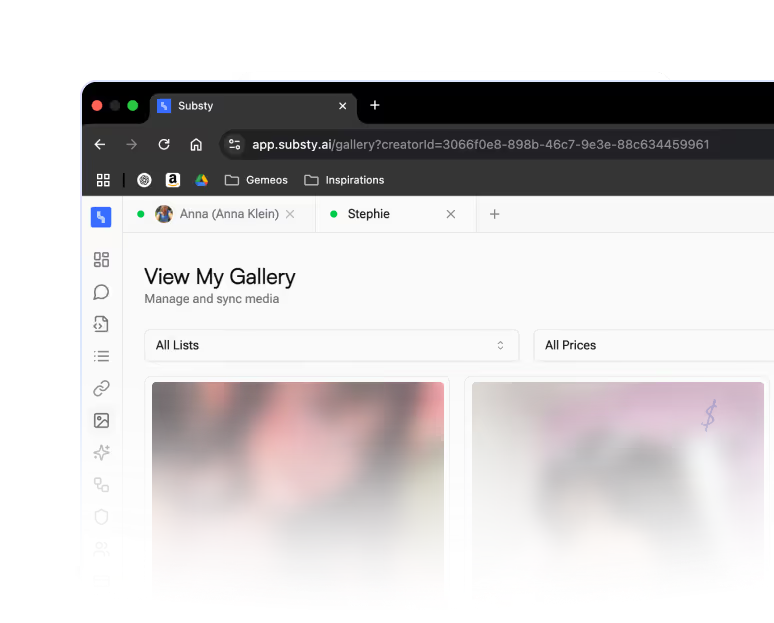
No software to install. Substy CRM works 100% in your browser.

Track your revenue, conversions, AI performance, models, and more in real time at a glance.
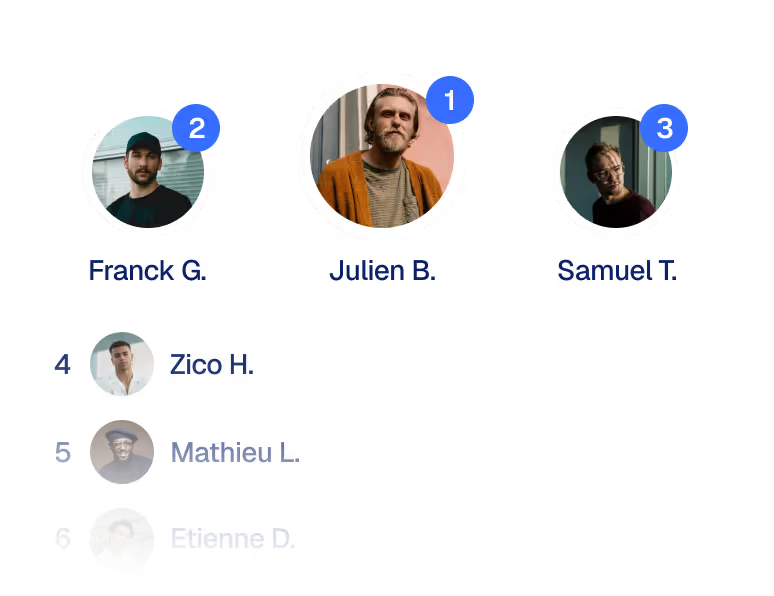
You know exactly who deserves your attention (and who doesn't) with useful lists: Spenders, Timewasters, Newbies, VIPs...

View at a glance: number of sales, response rate, number of fans managed.

Secure and intuitive interface so your agents can stay focused on what matters: converting.
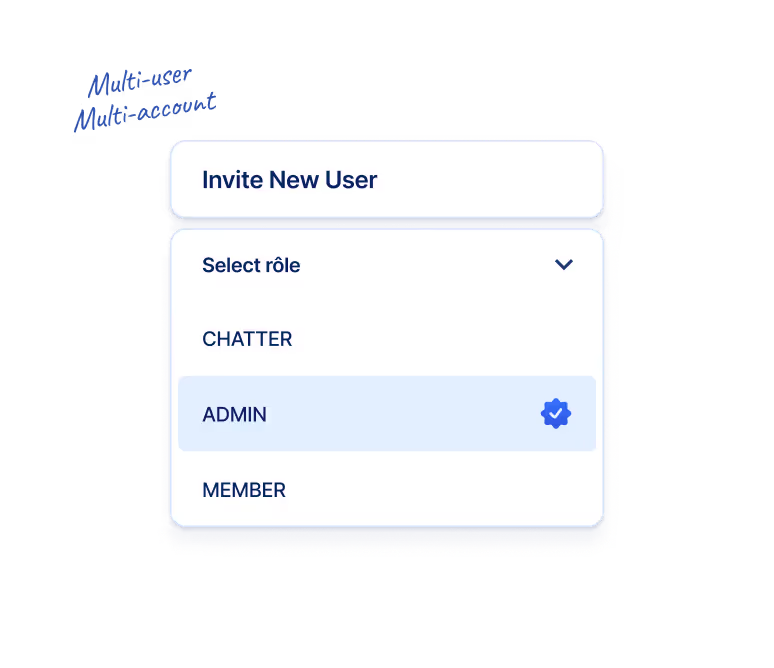
Is your team growing? No worries. Substy CRM is designed to scale with you.
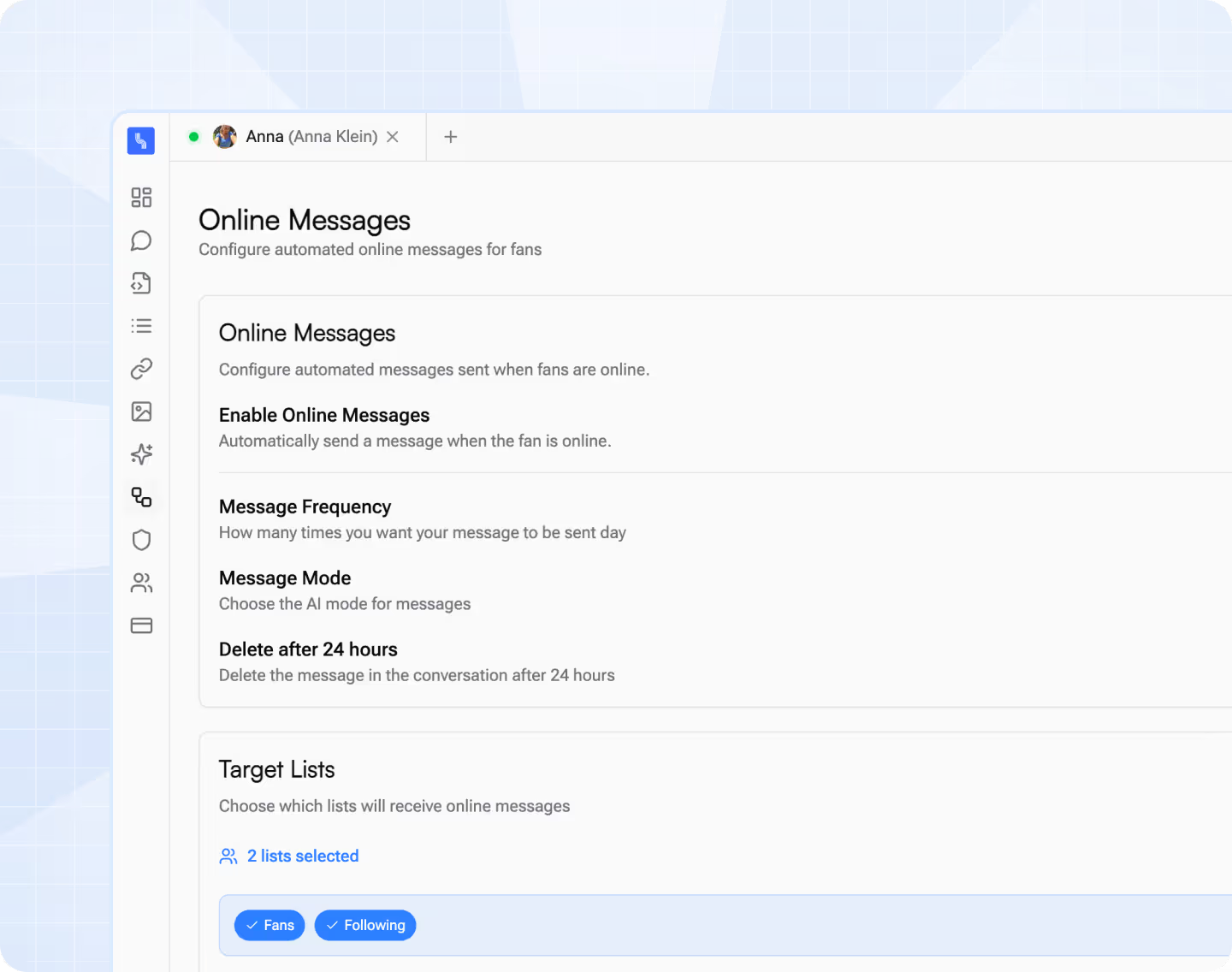


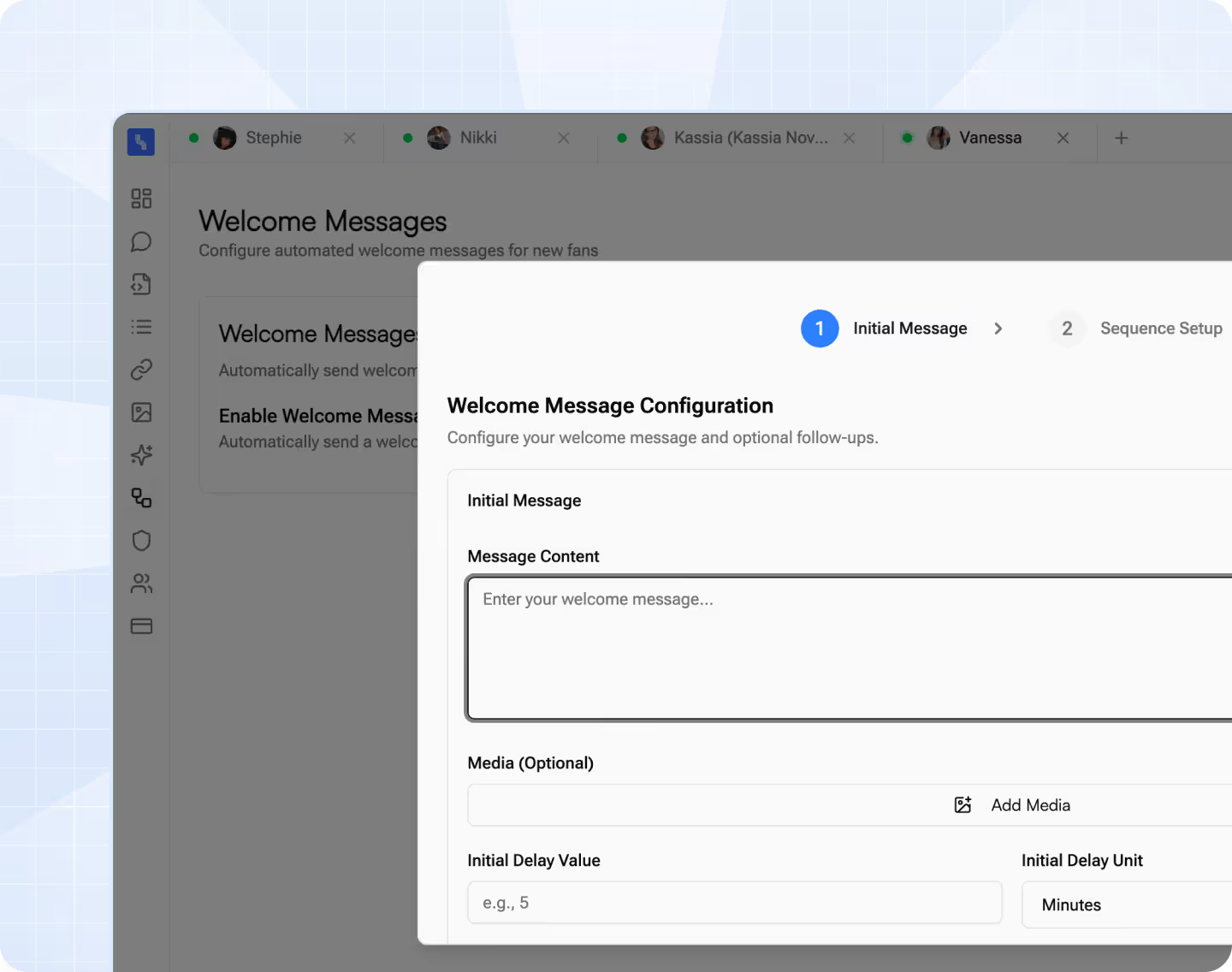
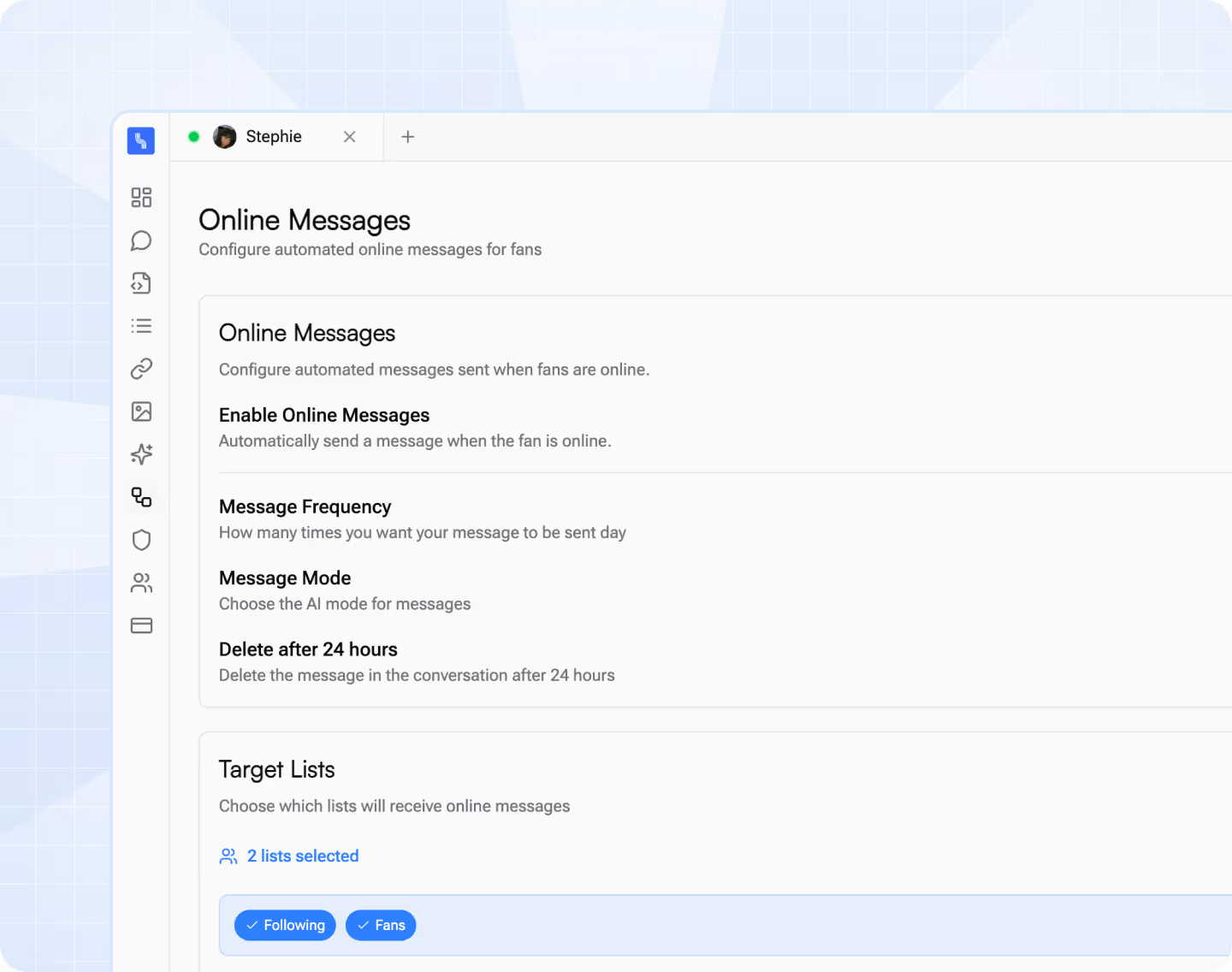
“After switching to Substy, we cut chat costs by 25% and automated 90% of messages. Now we spend that time on marketing instead of management - and fan growth is already accelerating.”
“Switching to Substy was a no-brainer. We lost 1.5% in revenue but cut our costs by 16% - and gained 22% more fans thanks to the time we now spend on marketing.”
It’s designed for agencies and creators : detailed fan management, full history of sales and conversations, automatic distribution by chatter, tracking links with detailed daily stats (which others don’t have), and available on both web and app versions.
Yes. You can easily import your scripts, templates, employees, and contacts from other CRMs like Infloww, so you can migrate without wasting time.
Yes. You have a complete dashboard with statistics by fan, by chatter, and by campaign, to analyze and optimize your results.
With the Split Inbox feature, you can automatically assign fans to specific chatters and balance the workload. The AI integrates directly with this system : it can handle part of the fans while others are assigned to human chatters, or step in to manage new fans and “time wasters” while your big spenders are followed by a human. This way, you can combine automation and human management in the best possible way.
Substy’s CRM provides detailed statistics for each employee : number of sales, total amount generated, response rate, conversation time, average basket, and more. You know exactly how much each employee brings in and how much you owe them based on their commission. This lets you track individual profitability and optimize fan distribution.
No matter what project you’re working on, we’ve got you covered with the best wireframe kits for any platform
