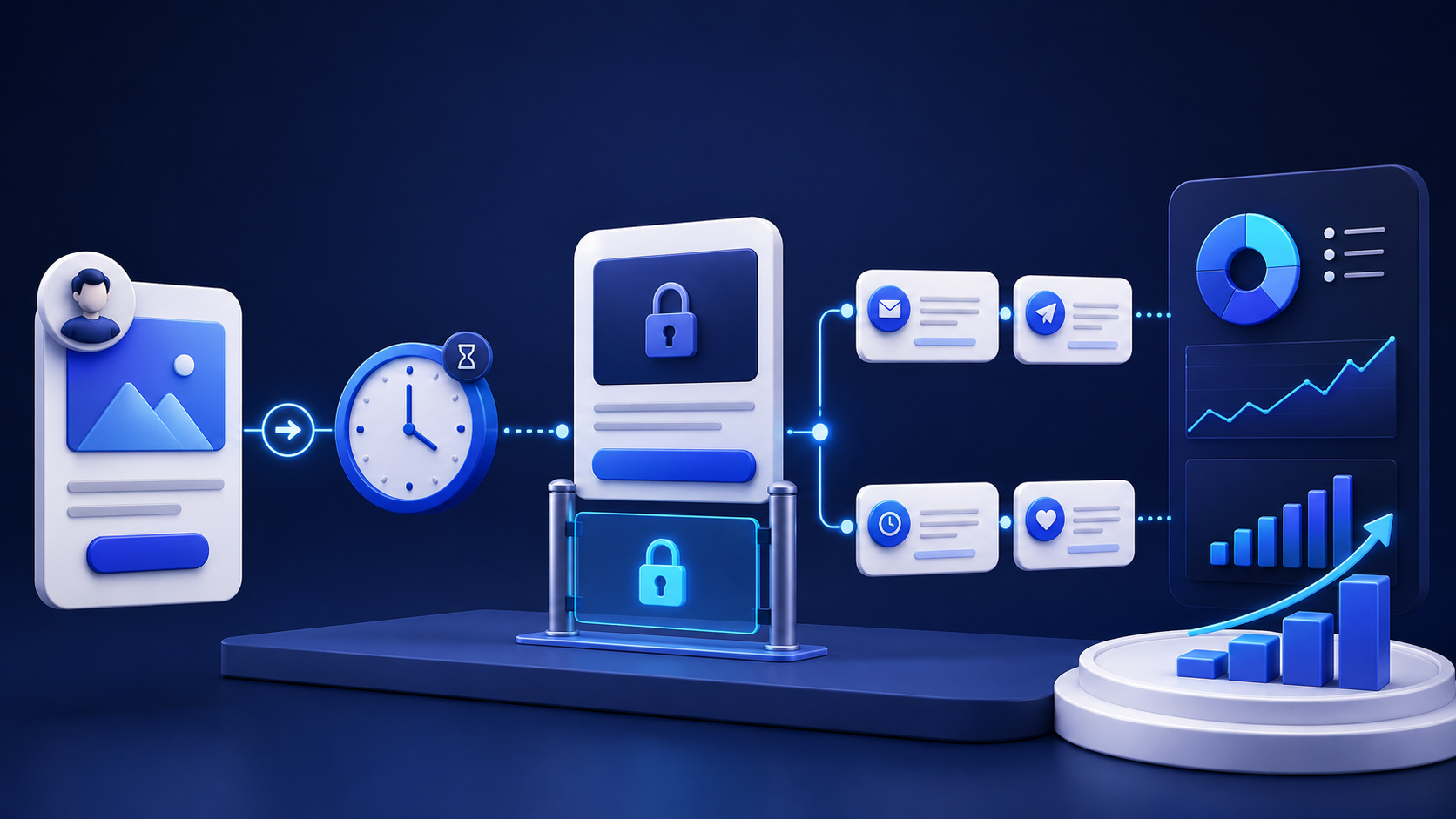
OnlyFans Fan Management in 2026 - How to Track, Rank and Convert Your Subscribers
The complete guide to OnlyFans fan management in 2026 - how to classify subscribers, track the metrics that matter, and use fan data to convert more and retain longer.
Most OnlyFans agencies track revenue. Few track the subscribers generating that revenue. It's the same mistake made at every scale — a creator hits $10,000 a month and still doesn't know which 50 fans are responsible for 80% of it, when those fans are most active, what content they respond to, or how close they are to churning.
Fan management is the operational discipline that fills that gap. It's the difference between running an inbox and running a business. This guide covers exactly what it involves, what metrics actually matter, and how top agencies use fan data to convert more, retain more, and scale without guesswork.
What Fan Management Actually Means
Fan management is the systematic process of tracking, classifying, and engaging subscribers based on their behavior and spending history. It goes well beyond replying to messages on time.
At its core, it means knowing who your fans are as individuals — what they've spent, what content they engage with, how frequently they message, when they're most active, and what signals indicate they're about to churn. It means using that information to send the right message at the right time, rather than broadcasting the same PPV offer to your entire subscriber list and hoping for the best.
For solo creators, fan management is hard but manageable. For agencies running five, ten, or twenty accounts, it's impossible without proper tooling. The volume of subscriber data across multiple accounts — spending history, message logs, content preferences, activity patterns — simply can't be processed manually at any meaningful scale.
Why Fan Classification Is the Foundation
The first thing any serious fan management system does is classify subscribers. Not all fans are equal, and treating them as if they are is one of the most expensive mistakes an agency can make.
The classification framework most professional agencies use divides subscribers into four categories. Spenders are fans who have made purchases and demonstrated real commercial value. VIPs are your high-value spenders who have crossed a significant spend threshold and represent the top tier of your revenue base. Newbies are recent subscribers who haven't yet made a purchase — they're in the qualification window where the right engagement can turn them into Spenders or reveal them as low-value subscribers. Timewasters are fans who subscribe, consume content, message frequently, and never buy anything — the category that burns the most chatter time for the least return.
Without this classification, your chat team treats every fan the same. A chatter spending 20 minutes crafting a personalized re-engagement sequence for a fan who has never spent a dollar is taking that time away from a VIP who's on the verge of unlocking a $200 PPV. Fan classification solves that allocation problem automatically.
The OnlyFans CRM you use should handle this classification automatically based on spend thresholds you define. If you're still manually sorting fans into categories, you're already behind.
The Metrics That Actually Matter
There are dozens of numbers you could track across an OnlyFans account. Most of them are noise. These are the ones that drive decisions.
Revenue per fan is the clearest indicator of account health. Total revenue divided by active subscriber count tells you how effectively you're monetizing your audience. A creator with 300 subscribers and $15,000 monthly revenue is performing dramatically better on this metric than one with 1,000 subscribers and $8,000 — and that gap is almost entirely explained by fan management quality.
PPV conversion rate by segment tells you whether your segmentation strategy is working. If your Spender segment is converting at 18% and your Newbie segment is converting at 4%, your strategy is calibrated correctly. If the numbers are roughly the same across segments, you're not really segmenting — you're just sending the same offers to everyone with labels attached.
Subscriber retention rate is the metric most agencies underweight. Acquiring a new subscriber costs real money and effort through traffic campaigns, Reddit promotion, and social media management. Losing a subscriber who's already in your funnel and has demonstrated spending intent is far more expensive than it looks on the monthly revenue report. Tracking 30-day and 90-day retention by acquisition source tells you which channels bring fans who stay and which bring fans who leave after one month.
Response time to first message has a direct impact on conversion. Fans who receive a response within minutes of their first message convert at significantly higher rates than those who wait hours. This is precisely why AI automation has become central to the fan management playbook for growing agencies — as covered in how top agencies have restructured their chat operations, instant response at any hour is now a baseline expectation, not a differentiator.
Fan lifetime value is the long-term metric that separates agencies making short-term revenue decisions from those building sustainable operations. A fan who spends $30 in their first month and $150 over six months is worth far more than the monthly snapshot suggests. Tracking LTV by acquisition source tells you which traffic channels are actually worth investing in — not just which ones drive the most sign-ups.
How to Track OnlyFans Analytics Properly
OnlyFans' native dashboard gives you basic revenue data, subscriber counts, and post performance. It does not give you individual fan analytics, cross-account comparison, team performance data, or the segmentation layer needed for professional fan management.
This is the gap that agency CRM tools fill. A proper system gives you a unified view across all accounts — which fans are active, which are at risk of churning, which are approaching a spend threshold that should trigger a VIP handoff, and which chatters are driving performance on each account.
The tracking link layer is where traffic analytics connect to fan management. When every traffic source has its own tracking link — the Reddit post driving traffic to Account A, the TikTok campaign for Account B, the Telegram promo for Account C — you can see not just which channels drove subscribers, but how much those subscribers spent, how long they stayed, and what their LTV looks like over time. Agencies running this kind of attribution can make precise budget decisions that agencies flying blind simply can't make.
For agencies managing both OnlyFans and Fanvue accounts, the same analytics framework applies across platforms. The complete guide to managing a Fanvue agency covers the Fanvue-specific metrics that differ from OnlyFans, and why a unified dashboard across both platforms matters as your roster grows.
Turning Fan Data Into Revenue
Tracking and classifying fans is only half the job. The other half is using that data to drive revenue decisions in real time.
The most direct application is PPV targeting. When you know that a fan has spent $80 in the last 30 days, responds best to photo content rather than video, and is most active on weekday evenings, you can send them a specific PPV at the right moment rather than including them in a mass blast timed for no particular reason. The conversion difference between a data-informed PPV send and a generic one is substantial — agencies using proper segmentation consistently report 2x to 3x better unlock rates compared to unsegmented sends. The mechanics of building this kind of PPV strategy are detailed in the complete guide to maximizing PPV revenue.
Re-engagement campaigns are the second major application. A subscriber who was active three weeks ago and has since gone quiet is not a lost cause — they're a specific type of opportunity that requires a specific approach. The message that brings back a fan who spent $120 before going quiet is completely different from the one that converts a brand new subscriber's first purchase. Classification data makes this distinction automatic. Without it, re-engagement is a mass send to everyone who hasn't opened a message recently, which is expensive, imprecise, and often counterproductive with high-value fans who find mass messaging off-putting.
Churn prediction is the most sophisticated application and the one with the highest ROI at scale. Certain behavioral patterns reliably precede unsubscribing: declining message open rates, reduced response frequency, shorter message length over time, and changes in content engagement. An agency that tracks these signals can identify at-risk fans before they cancel and trigger targeted retention sequences while there's still time to act. At the individual fan level this sounds manageable. Across 500 active subscribers on multiple accounts, it requires automation.
Fan Management at Scale — How the Best Agencies Do It
The agencies managing fan data most effectively in 2026 share a few operational characteristics.
They use a single CRM across all accounts rather than platform-native tools supplemented by spreadsheets. The insight that comes from seeing fan behavior patterns across 15 accounts simultaneously — identifying which PPV price points work best, which re-engagement sequences convert highest, which chatter approaches drive the most LTV — is not available to agencies managing each account in isolation.
They automate classification and routing. Fan classification isn't a weekly task someone does manually — it runs continuously based on spend thresholds and behavioral triggers. When a fan crosses the VIP threshold, the CRM routes them to a human chatter automatically. When a fan goes 10 days without opening a message, an automated re-engagement sequence fires. These things happen without anyone deciding to make them happen.
They measure chatter performance against fan data. Knowing that a chatter generated $3,200 last week is useful. Knowing that the same chatter's PPV conversion rate on Newbie fans is 12% while the agency average is 7% is actionable — it tells you something about their approach that can be trained into the rest of the team. The performance analytics built into professional OnlyFans chatting software make this kind of granular analysis automatic rather than something someone has to manually compile.
They use tracking links for every traffic source without exception. An agency running a Reddit promotion campaign without tracking links doesn't know whether that campaign drove $500 or $5,000 in fan LTV. That information is the difference between scaling a channel and wasting budget on it.
Setting Up Fan Management in Practice
Getting proper fan management in place is a one-time setup that pays compounding returns. The core steps are straightforward.
First, define your spend thresholds. Most agencies use a three-tier structure — Newbie below $20, Spender between $20 and $100, VIP above $100 — but the right numbers depend on your creator's audience and price points. These thresholds trigger both your classification labels and your hybrid routing rules.
Second, configure your tracking links for every active traffic source before you run any more campaigns. This is a five-minute setup per channel and the data it generates is irreplaceable. Understanding how to build an OnlyFans agency that scales means building this tracking layer in from the start, not retrofitting it after you've already run months of untracked campaigns.
Third, set up your re-engagement triggers. Define the inactivity window that should trigger an automated follow-up sequence for each fan segment — different windows and different message approaches for Newbies, Spenders, and VIPs.
Fourth, connect your chatter performance metrics to fan data. Make sure your analytics show not just total revenue per chatter but conversion rate by segment, average basket per fan tier, and response time distribution. This is the data that tells you where training is needed and where your operation is performing well.
With these four elements in place, fan management runs as infrastructure rather than as a manual process someone has to execute. The data accumulates, the classifications update automatically, and the routing logic ensures every fan gets the right kind of attention without anyone having to make those decisions individually.
FAQ - OnlyFans Fan Management
What is OnlyFans fan management ?
Fan management is the process of tracking, classifying, and engaging subscribers based on their behavior and spending history. It involves segmenting fans into tiers, measuring their engagement and LTV, and using that data to drive more effective PPV campaigns, re-engagement sequences, and chatter routing decisions.
What are the most important OnlyFans metrics to track ?
Revenue per fan, PPV conversion rate by segment, subscriber retention rate, response time to first message, and fan lifetime value by acquisition source. These five metrics give a complete picture of how well an account is performing and where the biggest improvement opportunities are.
How do you classify OnlyFans fans ?
Most professional agencies use a four-tier system: Newbies (no purchases yet), Spenders (have made purchases), VIPs (high-value spenders above a defined threshold), and Timewasters (frequent messagers who never buy). A proper OnlyFans CRM handles this classification automatically based on spend data.
How do you track OnlyFans analytics across multiple accounts ?
OnlyFans' native dashboard only covers individual account metrics. Agencies managing multiple accounts use CRM platforms that aggregate fan data, chatter performance, and revenue analytics across all accounts in a single dashboard. Substy is built specifically for this multi-account view.
What is fan lifetime value on OnlyFans ?
Fan LTV is the total revenue a subscriber generates over their entire time on the platform. It's a more accurate measure of fan quality than monthly spend because it accounts for how long fans stay active. Tracking LTV by acquisition source tells you which traffic channels — Reddit, TikTok, Telegram, etc. — bring fans worth investing in and which bring subscribers who cancel after a month.
How do you reduce subscriber churn on OnlyFans ?
Track behavioral signals that precede churn: declining open rates, reduced message frequency, shorter responses, and lower content engagement. Set up automated re-engagement sequences triggered by inactivity thresholds for each fan segment. The goal is to identify at-risk fans while there's still time to act, rather than noticing they've cancelled after the fact.
The Bottom Line
Fan management is the layer between content creation and revenue optimization. It's what separates agencies that grow their revenue from their existing subscriber base from those that constantly need new traffic to maintain flat earnings.
The data is already there. Every message, every purchase, every login, every content engagement generates signals that tell you exactly how to engage each fan more effectively. The question is whether you have the tooling to capture it, classify it, and act on it automatically — or whether you're leaving that intelligence unread in the platform's native dashboard.
Substy is built for agencies that take fan data seriously — automatic classification, real-time spend tracking, unified multi-account analytics, and the AI layer that acts on that data 24 hours a day. Most agencies see measurable revenue improvement from their existing subscriber base within the first two weeks of setup.